Sublime Text 4200: Introducing Right Sidebar Support and Enhanced Features
Sublime Text, renowned for its speed and versatility among developers, has rolled out its latest update—Build 4200. This release brings a host of new features and improvements, notably the much-anticipated support for a right-hand sidebar.
Right Sidebar Support: A Long-Awaited Feature
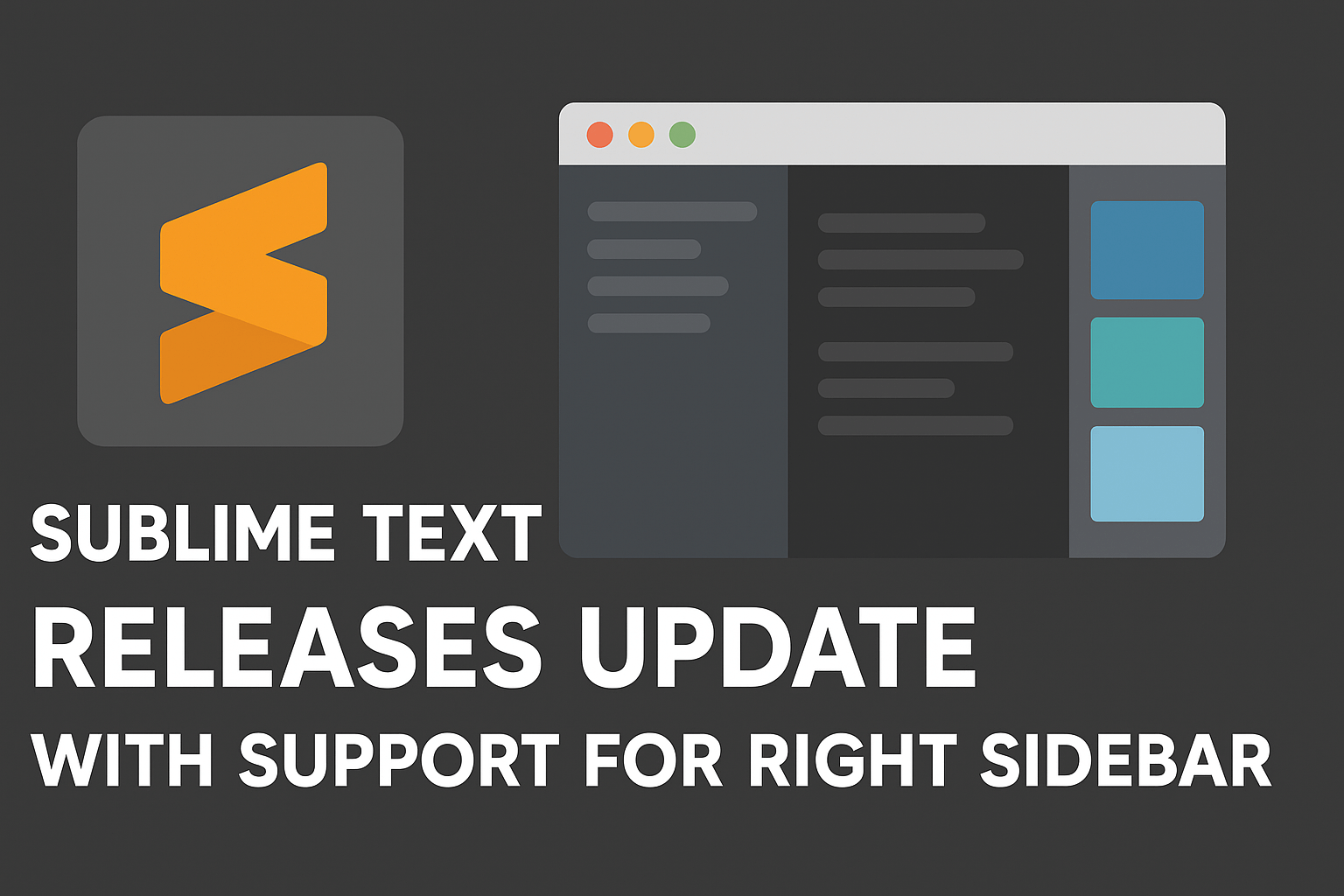
One of the standout additions in Build 4200 is the ability to position the sidebar on the right side of the editor window. Previously, the sidebar was fixed to the left, leading to numerous feature requests over the years. With the introduction of the "sidebar_on_right" setting, users can now customize their workspace to better suit their preferences and workflows.
Enhanced Syntax Highlighting
The update also expands Sublime Text's syntax highlighting capabilities. Built-in support for TOML and Zsh syntaxes has been added, catering to developers working with these file types. Additionally, existing syntaxes for languages like SQL, ActionScript, Diff, Bash, and Graphviz have been rewritten, offering more accurate and visually distinct code representation.
Improved Build System Interactivity
Build 4200 introduces the "interactive": true setting for build systems, allowing developers to provide input to their programs directly within Sublime Text. This enhancement streamlines the development process, especially for applications requiring user interaction during execution.
Performance Boosts for Multi-Cursor Editing
Addressing performance concerns, the latest build significantly improves the responsiveness of multi-cursor editing. Where previously the editor might lag with numerous cursors, it now remains usable even with over 100,000 cursors active, enhancing productivity for power users.
Additional Enhancements
Beyond these major updates, Build 4200 includes several other improvements:
Git Status Performance: Enhanced performance when retrieving git status, making version control operations more efficient.
Command Line Execution: Commands passed via the command line are now delayed until files and plugins have fully loaded, preventing potential errors.
User Interface Tweaks: Built-in color schemes now specially highlight string mapping keys, and the behavior of copy/cut operations with multiple empty selections has been refined.
File Handling: Improved handling of saving files in non-existent directories, reducing the likelihood of errors during file operations.
Looking Ahead
Sublime Text continues to evolve, responding to user feedback and the changing needs of developers. The introduction of right sidebar support and other enhancements in Build 4200 exemplify the editor's commitment to flexibility and performance.