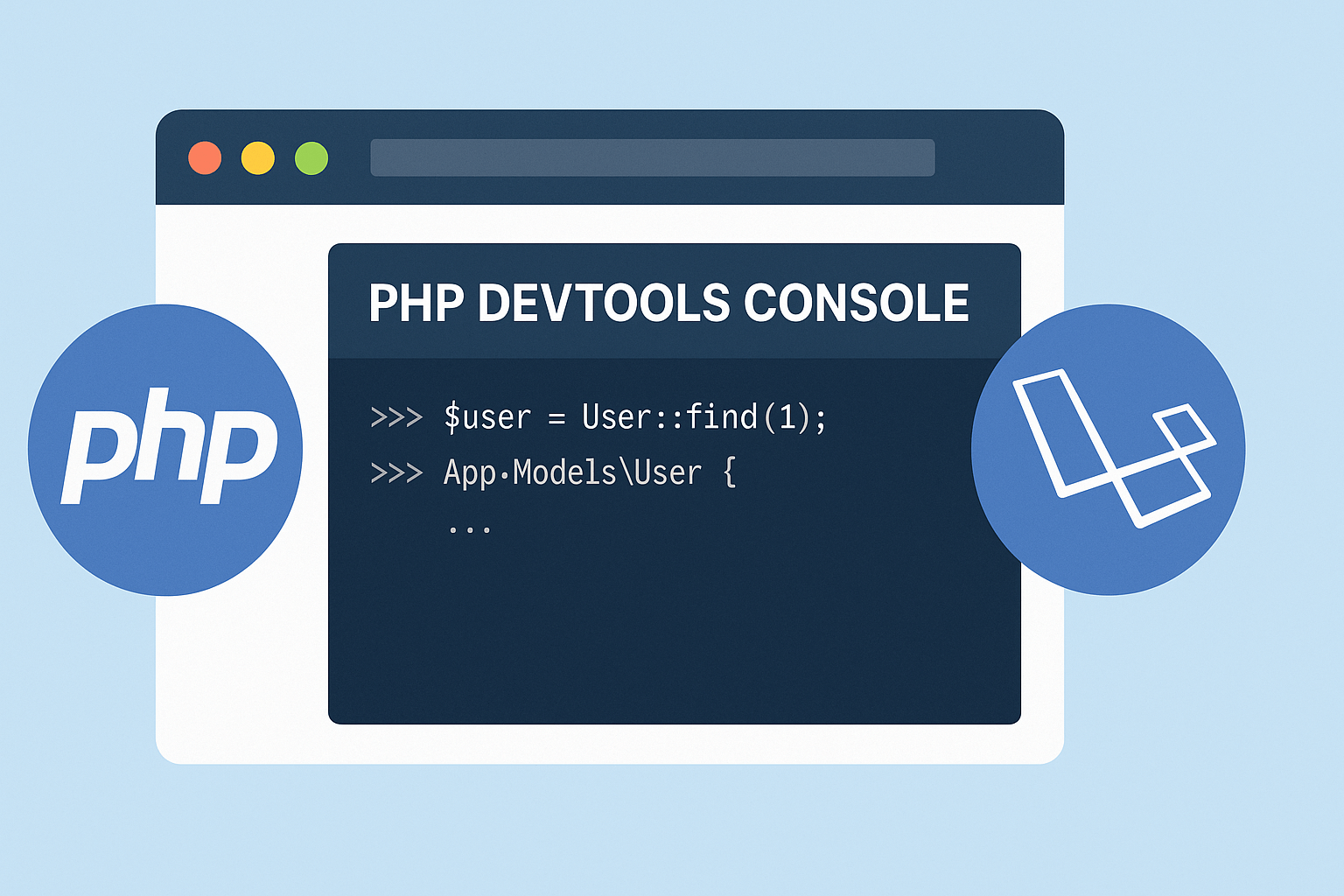
PHP DevTools Console: Real-Time PHP Debugging Comes to Your Browser
Traditionally, frontend developers have had the edge when it comes to in-browser debugging tools. With robust developer tools available in Chrome and Firefox, inspecting and testing HTML, CSS, and JavaScript has been smooth and seamless. But for PHP developers—especially those working within Laravel—real-time debugging has always required separate tools or manual routing.
That changes now.
Introducing PHP DevTools Console — Powered by Laravel Web Tinker
A new Chrome extension, developed by Tony Lea, brings the power of Laravel’s Web Tinker package right into your browser’s developer console. This is a game-changer for PHP developers looking to speed up their development workflow and increase productivity.
Previously, using Spatie’s Laravel Web Tinker required developers to navigate to a separate browser tab or route. Now, thanks to this innovative extension, PHP and Laravel's Artisan Tinker are directly accessible from your DevTools panel—eliminating the need to switch contexts during development.
How It Works
The extension builds on top of Laravel Web Tinker by injecting it as a custom panel inside your Chrome Developer Tools. Once installed and configured, it allows you to:
Run PHP snippets in real time
Execute Artisan commands directly
View and test Laravel-specific logic
Interact with Eloquent models and application services
All from within the same browser window you use for front-end development.
Why It Matters
At AVYAAY INNOVATORS, we value tools that empower developers. This extension not only saves time but enhances the overall development experience by:
Minimizing context switching
Improving code testing speed
Allowing faster prototyping of backend logic
It’s particularly helpful for Laravel developers who are building dynamic applications, working with APIs, or needing to interact with the app's internals frequently during builds.
Security Note
While this tool is incredibly powerful, it's meant strictly for local development environments only. Using it in production environments or where sensitive data is handled poses significant security risks. Always disable or remove debugging tools from live servers.
How to Get Started
You can try this extension today by visiting the official GitHub repository and following the setup guide. Once installed, open Chrome DevTools and find the new PHP tab—your Laravel Tinker console awaits.
Final Thoughts
At AVYAAY INNOVATORS, we're always excited to see advancements that enhance developer efficiency. PHP DevTools Console is a small but impactful innovation that brings backend developers one step closer to enjoying the convenience that frontend teams have had for years.